posted in Selfhosted

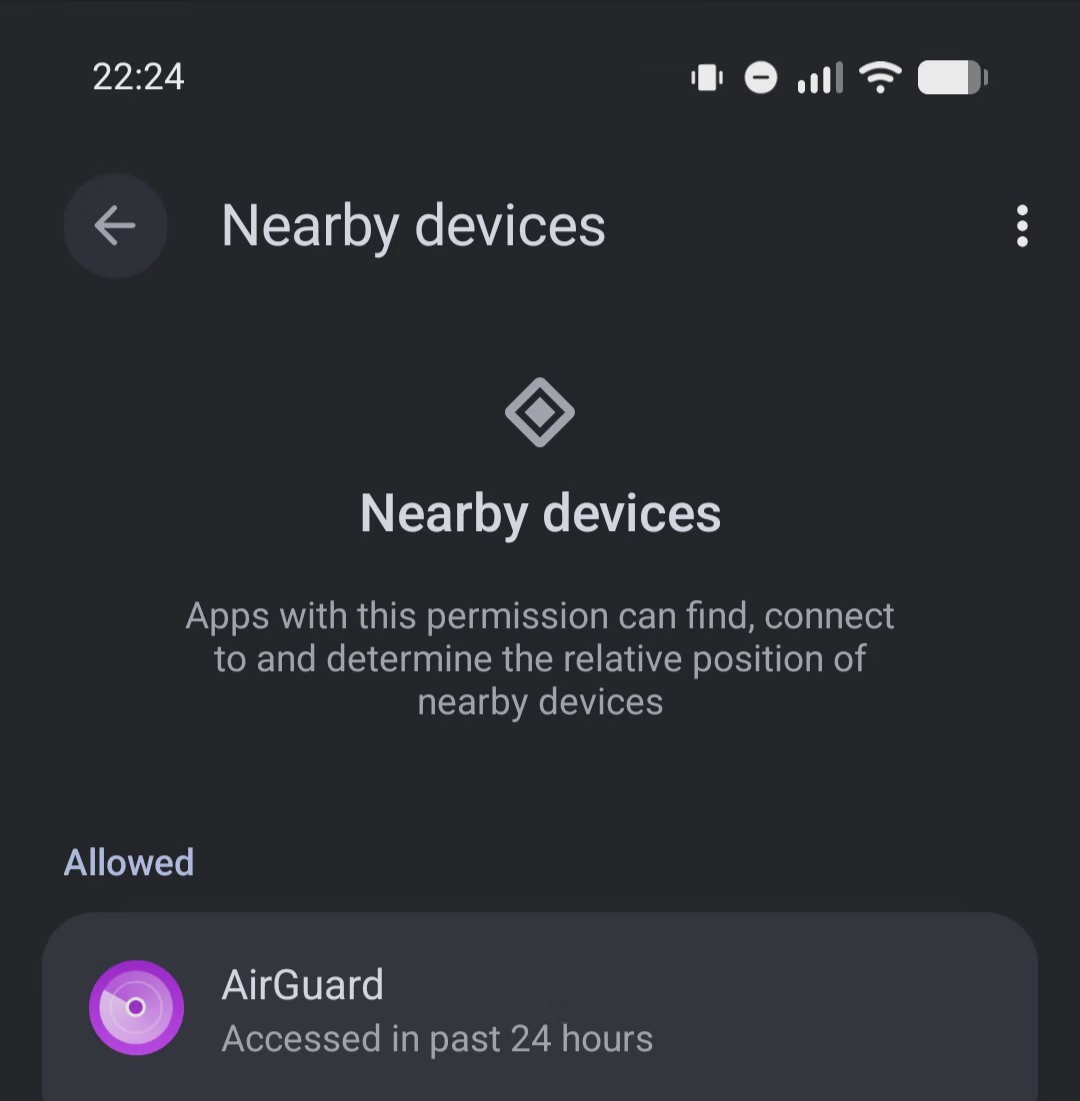
How is everyone dealing with Android 17's "Nearby Devices" change?

It took me a while to figure out why many of my self-hosted services were intermittently failing to connect on my phone after updating to Android 17. I eventually figured out there’s a new ACCESS_LOCAL_NETWORK permission which means the “Nearby devices” permission is now required to access devices on the same network subnet. For an avid self-hoster, this can be quite a bit.

I had my DNS configured so my public-facing server resolved to a local IP address when on my LAN. This meant that my web, immich, xmpp, NTP, jellyfin and DoH servers all resolved to a local IP address on wifi. On Android 17, it all broke without warning. No error messages. No asking for extra permissions. Just silent packet dropping.

I’ve solved it by configuring my public-facing services to resolve to my external (static) IP address, even when inside the network. I couldn’t make any internal services resolve to the external address (SMB, CUPS etc) because they are (obviously) not bound to my WAN interface.

I get why the change was made. A lot of apps were snooping around people’s networks to gather intel. A potentially massive privacy violation.

Has anyone else had this issue? Is this the cleanest solution?
Replying to an earlier post

I had my DNS configured so my public-facing server resolved to a local IP address when on my LAN. This meant that my web, immich, xmpp, NTP, jellyfin and DoH servers all resolved to a local IP address on wifi.

I unfortunately don’t have an answer to your question since I’m not on Android 17, but I do want to ask about this part. What’s the benefit of this? Does it improve speed when streaming on Jellyfin?

Replying to @⁨Lenna@piefed.ca⁩

Not OP but I do the same for two reasons.

A) it eleimitaes my ISP traffic. It doesn’t have to go out to my router, to come back in on the public IP. They can’t track what never hits them.

B) I also have completely internal services. So the DNS entries are internal only. Can’t map my internal network publicly.

en

Replying to @⁨Rai@lemmy.dbzer0.com⁩

I don’t know how the others set theirs up, but I use “views” in bind 9 kb.isc.org/docs/aa-00851

Essentially, the DNS I run on a router-like box much like you describe uses a different database depending on whether you query from an internal IP address or a public address. For me, the advantages are that I can let devices on my local network declare their own names to DHCP and enter them in DNS without worrying about the outside world. Mu internal network doesn’t crash if my ISP changes my address, Certbot happily requests certs for any site with a public address, and that cert works seamlessly on the corresponding internal address, no wildcards or DNS challenge required.