posted in Technology

Google has started encrypting its search results' URLs with "goto?=" links for logged out sessions and/or scrapers ( 28 August, 2026 )

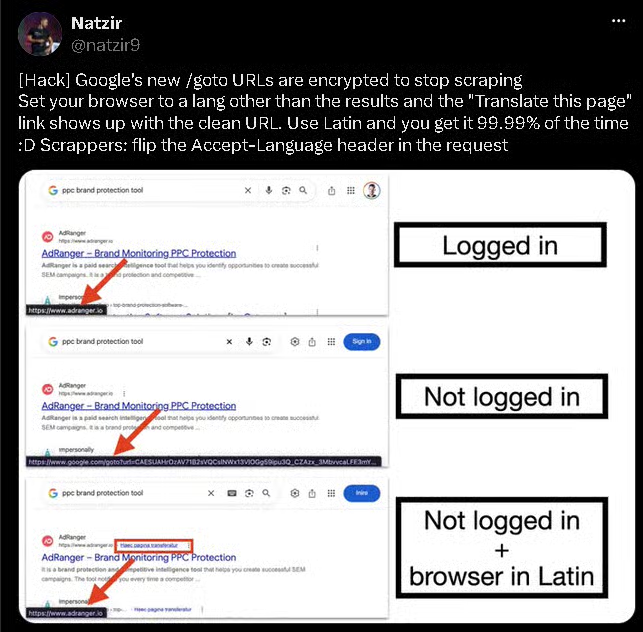
About a week or two ago, I started noticing that I could no longer copy the clean links for search result hits on Google. I thought it was maybe some quirk of a browser I was using, but today when trying to copy a link to a Youtube video, I realized it was actually rolled out globally (it seems).

Basically instead of getting a
https://youtube/. com/watch?v=-ed6UeDp1ek link now through google, (spaced out link to avoid AutoMod) you will get
https://www.google.com/goto?url=CAES<rest-of-encrypted-blob-containing–versionByte-keyID-cipherText>

The article describes the change in technical detail, and mentions a fix, but the author has kept it private for now so Google doesn’t patch it up (like they probably will or have for this workaround relying on the “Translate Page” feature with a different Browser Language selection [Twitter Link, Aug 27]).

Why it will probably be patched:

Surprised there’s no post about it here already.
Only Hackernews article I could find (4 days ago):
news.ycombinator.com/item?id=49506338

Edit: It seems to matter a lot whether your network is deemed “spammy” or problematic by Google for the encrypted URLs to kick in, even if you’re logged out. Funnily enough my google searches went back to normal a few hours after I posted this. So a logged out session might get the regular, unencrypted links if your IP network has a good rating on Google’s end. Mine often runs into captchas and the like, so it makes sense why I’d be targeted by this new change.
Then again, I just tested on my mobile cellular on a logged out search, and I still have the goto’s. Can’t really control that.
suganthan.com/notes/google-goto-url-encryption/
Edited ⁨⁨Sep⁩ ⁨4⁩, ⁨2026⁩, ⁨12:58⁩⁩enPage

Replying to an earlier post

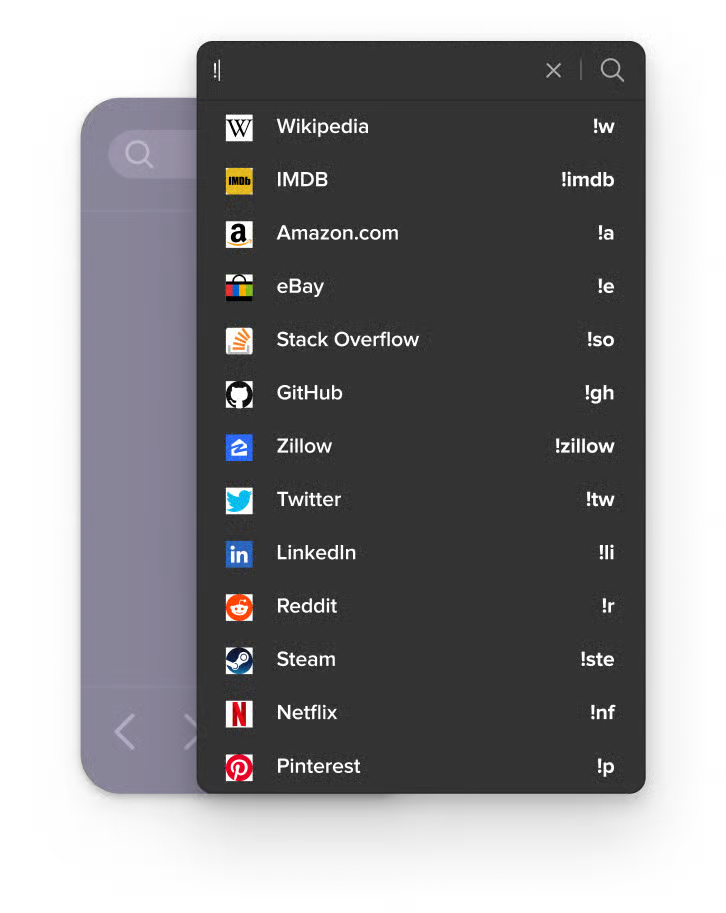
DuckDuckGo has the concept of predefined bangs, in which a search prepended by a bang—a !, followed by one or more letters or characters and a space—redirects a search to another site. Some other sites have adopted the concept. More information can be found at https://duckduckgo.com/bangs.

[EDIT] !g and !w will take you to Google and Wikipedia, respectively.

DuckDuckGoDuckDuckGo !BangsSearch thousands of sites directly from DuckDuckGo.

Replying to an earlier post

I’ve been using duck for at least 3 years, probably closer to 6 or 7. When I first used it, its searches were okay, but if I couldn’t find what I was looking for a quick trip to Google would fix that. I felt like it improved slightly over some time, but also Google got a lot worse. Now with the AI proliferation, I never bother going to Google, and duck is still better than it was a year or two ago. Their AI has about a 20 or 30% success rate for me, but I just use it as a top search if I use it at all. I would love it if the results didn’t change when I run the same search 2 minutes apart, though.

Replying to @⁨kuiskaaja@lemmy.ml⁩

I wasn’t aware of Qwant. It seems to build its own index instead of relying on other providers (great), and has proper backing to be a viable competitor in something so big (the French government seems to endorse it; along with institutional use in EU parliament?).
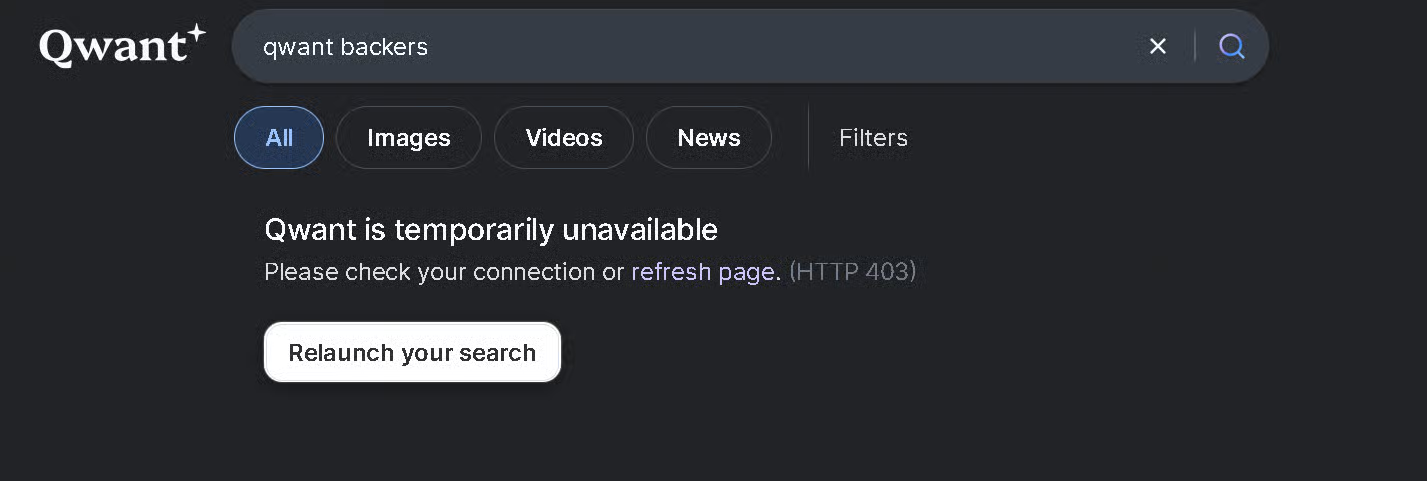
I just tested it and unfortunately got a 403 however (FORBIDDEN). Though I was behind an endpoint of a very popular VPN for some testing, that sucks regardless.

Actually, before I could post this, I tried the search refresh and it worked somehow.
To test again I switched to another server of the same VPN provider (same selected country) and tried searching. Same error, which didn’t go away after doing the refresh. So they might have some sort of spam prevention measure which eases itself automatically, but I feel like it could definitely be implemented better if that’s the case.

Edit: Yep, if you sit on that 403 page for 5-6 minutes without doing anything and then hit the relaunch your search button, things work as intended afterwards.

Replying to @⁨pumpupthejam@piefed.social⁩

if you have a good adblocker, you can turn it off for sites that have responsible policies with privacy and advertising and are barely scraping by as it is.

if you can’t turn your adblocker for specific sites, get a better one. ublock origin is great.

in case you can’t stand ads and need an ethical search engine get something like kagi. you have to pay for it but these websites can’t operate for free. don’t leech off companies that are struggling.

Replying to @⁨_haha_oh_wow_@sh.itjust.works⁩

I just tried a test search with Qwant and Startpage. On mobile they returned the exact same results (which were good), which suggests that Startpage is using Qwant there. On desktop though, Startpage was hot garbage. Not a single relevant result on page one, with nearly half being links to Facebook and Instagram. Hard pass on that.

I tested this on mobile too. Opened a Firefox private browsing window, switched to desktop mode and tried the search term on Startpage again. Same trash results as desktop. It’s like they’re actively telling desktop users to piss off.

Replying to @⁨Seimhe@lemmy.world⁩

Just a heads up, Ecosia relies on you clicking on Microsoft and Google provided ads for its revenue.

From there FAQ:

Do we plant trees if we don’t click on ads?

Like other search engines, we make money when people click on the ads shown in our search results. […]

How does Ecosia compare to other search engines?

[…] We provide industry standard search results together with our partners Google and Bing. […]

Replying to @⁨0x0@lemmy.zip⁩

I am not sure how they “clean” it. If you put in a youtube link or amazon, they can easily clean it because they just need to remove everything after the ?

E.g, https://youtu.be/dQw4w9WgXcQ becomes https://youtu.be/dQw4w9WgXcQ

However, by google doing this, you’re forced to check the link to see what the redirection even is. By the time you click to share that, you’re already tracked.