posted in Selfhosted

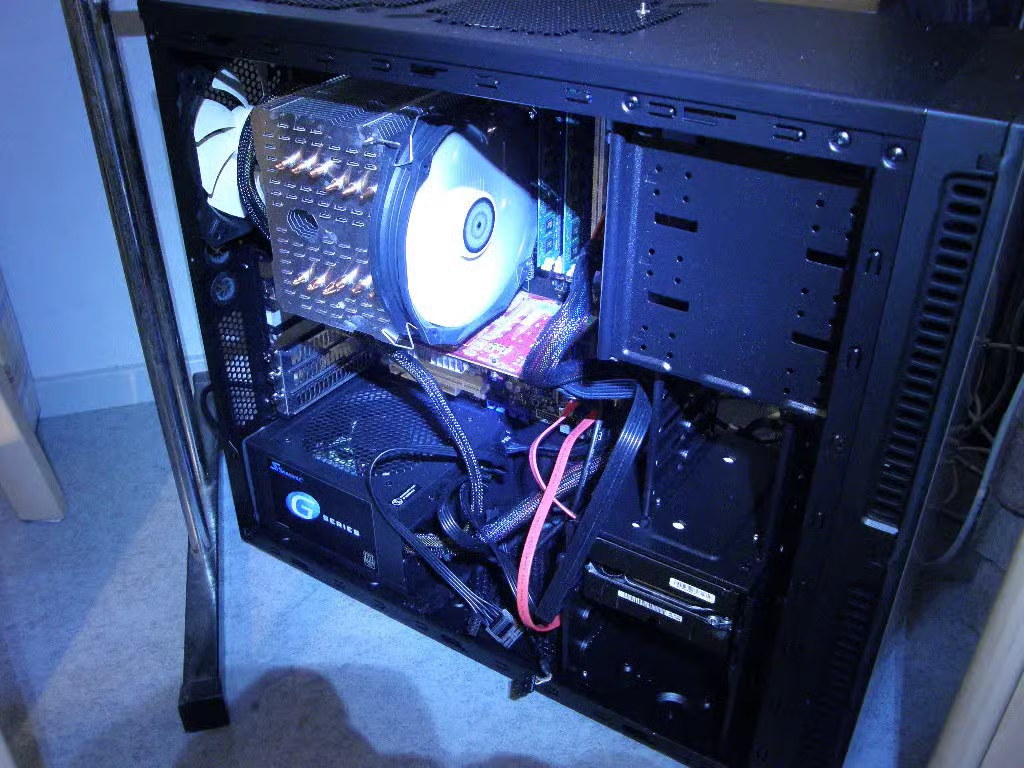
What is your weirdest self-hosting problem you've had to solve? For me: Mouse inside the server.
The mouse did not survive interrogation.
Also mouse not pictured.
posted in Selfhosted
What is your weirdest self-hosting problem you've had to solve? For me: Mouse inside the server.
The mouse did not survive interrogation.
Also mouse not pictured.

For a while, the windows machine I was using kept randomly becoming unresponsive (both via network, as well as the keyboard+mouse) and I just could not figure out why. Everytime it did, I’d have to force a shutdown by holding the power button until it shutoff, then press it again to start back up. Sometimes this happened while I wasn’t home, so it had to just stay offline until I was.
I got sick of having to do this; so I replaced the power button with a transistor and a RPI. The PI would ping the server every 5min; if it failed to get a response 3 times in a row, it would trigger the transistor for 10sec, release for 3sec, then press and release again; forcing a poweroff then starting the machine again. It’d also write these events to a log file. I think it was around twice a week ish.
Never did figure out what the cause of the lockup was; but it stopped when I replaced windows with Debian.
Had a zyxel nas that got unresponsive after 10-15days of uptime, thankfully it hat a scheduled shutdown/reboot setting. Runs since 2014 with a reboot every Mondy 3am.
Heh, my router is on one of those timer plug things. No matter how frozen, it will reboot.
I’ve got an extra and don’t know what to do with it. I feel like its bad to pull power unexpectedly once a week though. Especially with a single HDD storage setup. I’d like to setup a RAID config, but its a 28TB drive and additional drives would cost me about $$$$$$$.
I have a NAS that had a similar problem, every week or two it would stop responding. From the logs it was clear that the machine was running fine after going non-responsive, but either the NIC or something else network related was crashing. However, the logs weren’t capturing the exact issue. I wrote a script to ping Google every 10 minutes, write a bunch of debug data to disc if it failed, and then reboot.
And it has never happened in the year since. I have no idea what the root cause was, but sending those pings out seems to have fixed it.

Never did figure out what the cause of the lockup was
the mysteries of closed-source software

I also had a machine that would randomly crash on Windows, but not on Linux.
I’m pretty sure it was some sort of hardware failure, as it also sometimes failed to boot Linux. But if it booted Linux, it would be stable until I shut it down.

Sometimes Linux handles faults better than Windows
Typically dmesg shows error when the hardware is acting up
Using an RPi with a transistor almost seems professional… ITAPPMONROBOT
1. Rule out unswitched (non-chipset, direct CPU lanes) PCI connectivity and power issues by testing without specific PCI components. Unstable PCI errors can be missed during post and present later after boot, and Windows is especially bad at handling it transparently. Common culprits include GPU sag, dubious riser extensions, and anemic PSUs 2. If there is a “high bandwidth” feature toggle for RAM in your BIOS settings that is currently on, try turning it off 3. If your system drive is an NVMe blade with a Phizon controller, check if the manufacturer software has a firmware update available. 4. If the freeze is regular but not persistent, try turning the polling rate down on your mouse, and if it’s wired, try to make sure it’s plugged into one of the board’s SOC-hosted USB 2.0 ports

Yeah getting rid of windows solves many issues, LOL. I have always refused to run any server with windows, outside of being forced to at work. 😁
I just wrote a comment about a very similar setup! Glad I wasn’t the only one haha