posted in Technology

Microsoft responds to LG monitors installing McAfee ads on Windows
cross-posted from: lemmy.world/post/50166453
arstechnica.com/gadgets/2026/07/microsoft-responds-to-lg-monitors-installing-mcafee-ads-on-windows/Most “Smart” TVs use Automatic Content Recognition (ACR), essentially taking snapshots every 10+ms of what you watch and hear, then forwarding & selling that data to companies for ads, etc. I now feel it’s only a matter of time before this “feature” finds its way to our ever “smarter” PC monitors.
LG with the help of Windows is already installing adware when the right Device ID is detected.
☑️ To disable ACR on TV: www.zdnet.com/…/how-to-disable-acr-tv/
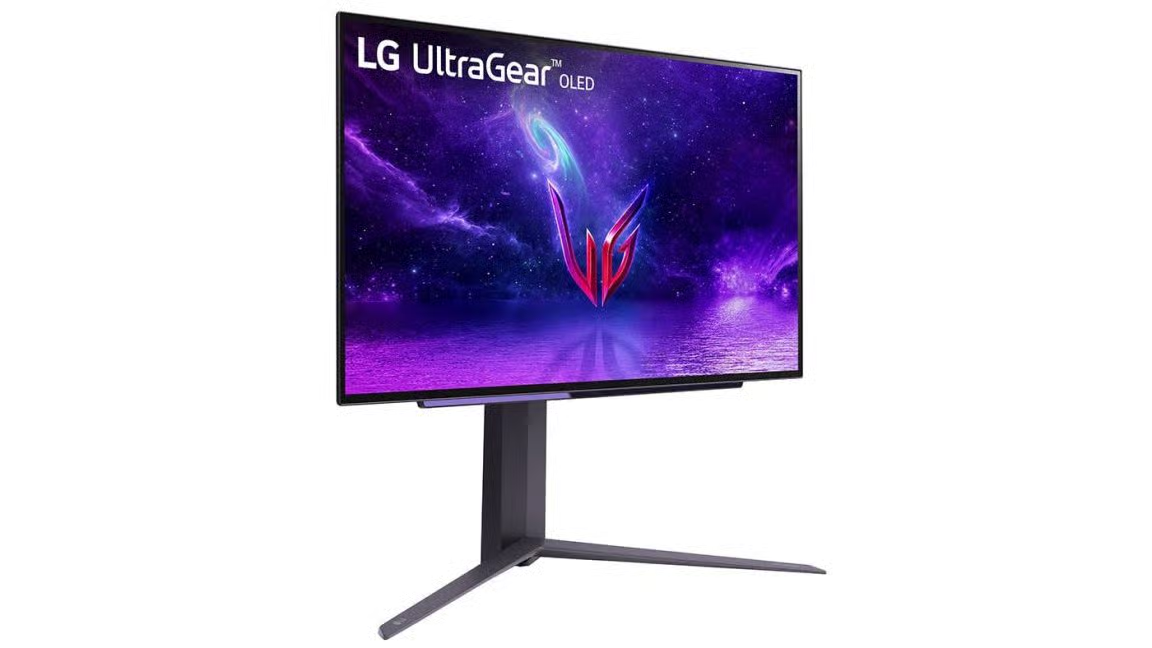 Ars TechnicaMicrosoft responds to LG monitors installing McAfee ads on WindowsApp is installed through Windows Update when certain LG monitors connect to a PC.