Be careful downloading Windows 11 apps from Google, 70+ fake sites are pushing malware right now
www.windowslatest.com/2026/07/27/be-careful-downloading-windows-11-apps-from-google-70-fake-sites-are-pushing-malware-right-now/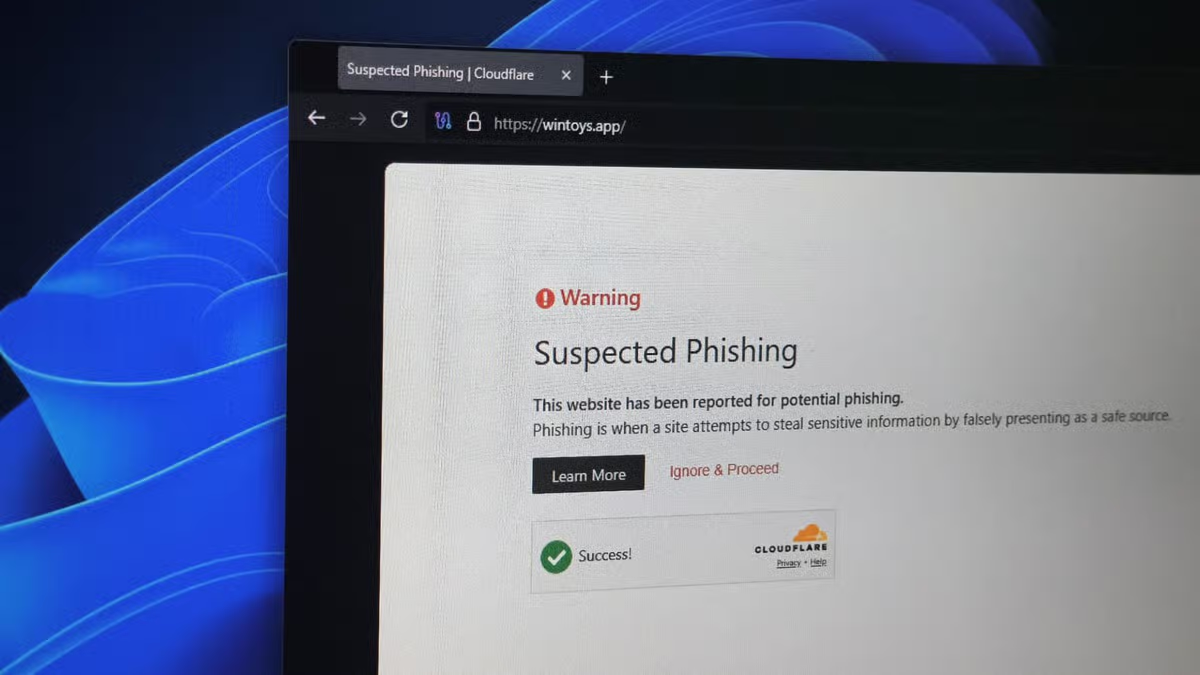 Windows LatestBe careful downloading Windows 11 apps from Google, 70+ fake sites are pushing malware right nowOver 70 Windows apps, including PowerToys and CrystalDiskMark, have fake lookalike sites distributing malware. See the full list to avoid.