
brett on new computer: 'what this bios setting do?' it disables the gpu thats what it do tomorrow i must open the computer up to reset the bios so i can get the screen back lol
Replying to @brettm@swarm.coiloptic.org
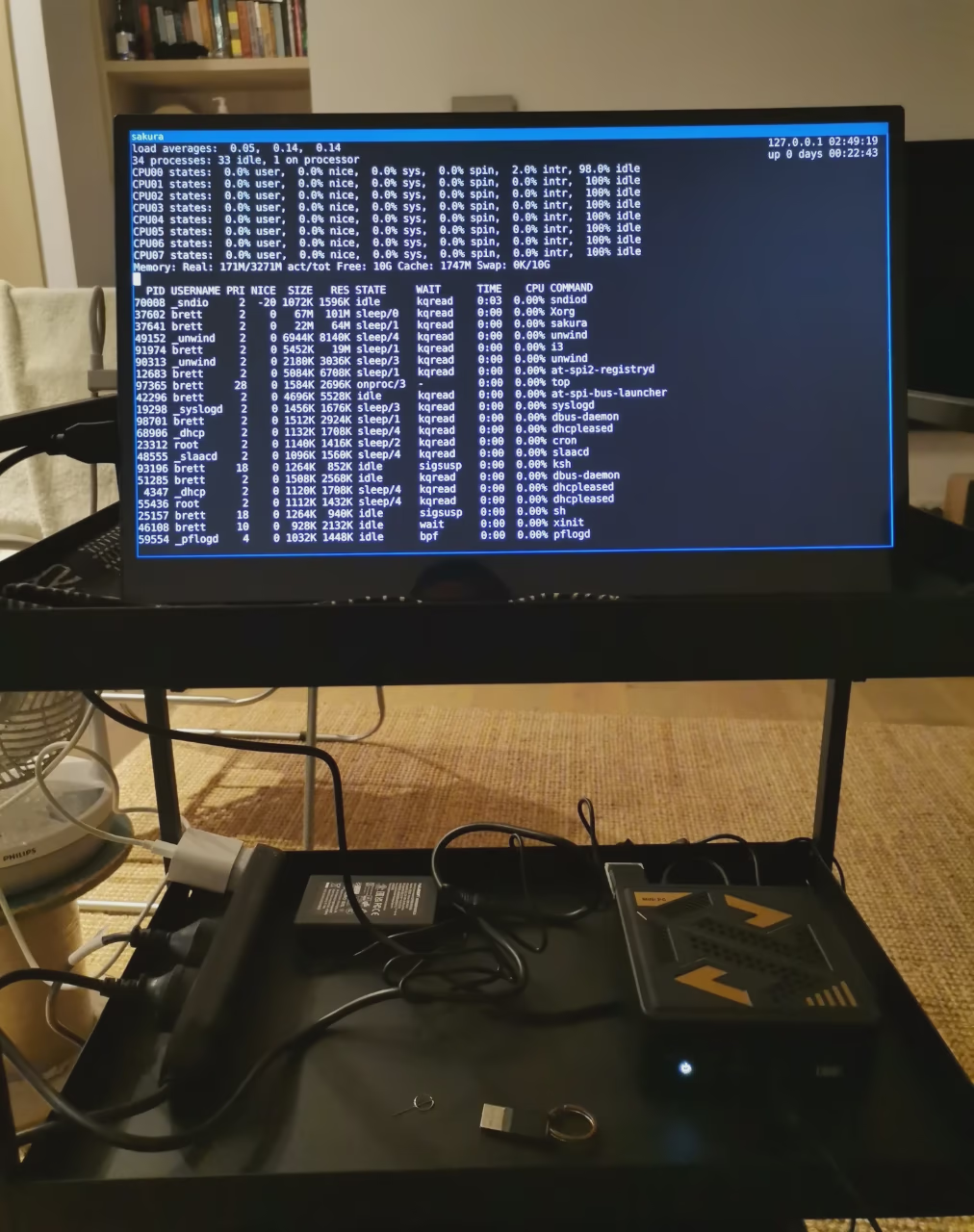
thankfully the day-old computer did come back to life after resetting the bios! i3 on openbsd using 172mb/16gb ram
— Open image attachment 1 of 1mini computer and display on push trolley
Replying to @brettm@swarm.coiloptic.org

@brettm oh, nice!
by the way, i got openbsd to work on my new setup well enough, with a couple of issues i can't figure out for some reason

Replying to @gettie@fedi.catto.garden
@gettie@fedi.catto.garden what are the issues?
Replying to @brettm@swarm.coiloptic.org

@brettm the weirdest issue is with shutdown and rebooting, it doesn't quite reboot (it gets stuck at the end) and hdmi audio doesn't work. i don't know if the latter is supposed to be like that, but the other is weird.
Replying to @gettie@fedi.catto.garden

@gettie@fedi.catto.garden i think audio over hdmi is not supported. might be worth sending a bug report to email list for reboot not working, they do a lot of work on suspending so someone would prob know why. only thing i can think of offhand could be an external drive with some file or folder open, so didn't unmount properly?
Replying to @brettm@swarm.coiloptic.org
@brettm yeah, it seems to be the case for audio over hdmi from what i see. kind of annoying right now, because i don't have headphones or speakers to connect.
as for the drive, i have two drives plugged in the system, i'll try to remove the other one and see what happens. not that i use that one tbh.

Replying to @gettie@fedi.catto.garden
@gettie@fedi.catto.garden at one stage years ago when i was always cd'ing into an external drive, to shutdown i would just run that script, it would pkill the terminal and file manager, then run shutdown or reboot, to avoid hanging at 'cant unmount device'