
ᛒᛚᚢᛖᛇᚦᛖᚱ (BlueÆther)

@BlueEther@no.lastname.nz · Joined ⁨Jun⁩ ⁨2023⁩

Replying to an earlier post

I have AdGuard Home running on OPNSense as a local DNS with a wild card for for the ‘local domain’ pointing to Caddy

in Caddy I have this section:

*.<domain>.net {
#header X-Frame-Options "SAMEORIGIN"
        tls internal
        encode gzip
        import sec-headers
        @sub1 host pve.<domain>.net
        @sub2 host kasm.<domain>.net
       ...
       handle @sub1 {
                import sec-headers
                reverse_proxy * https://10.1.1.11:8006/ {
                        transport http {
                                tls_insecure_skip_verify
                        }
                #       header_up Host {host}
                       header_up X-Real-IP {remote}
                       header_up X-Forwarded-For {remote}
                       header_up X-Forwarded-Port {server_port}
                       header_up X-Forwarded-Proto {scheme}
                }
        }
        handle @sub2 {
                import sec-headers
                reverse_proxy  https://10.1.1.119/ {
                        transport http {
                                tls_insecure_skip_verify
                        }
                #       header_up Host {host}
                       header_up X-Real-IP {remote}
                       header_up X-Forwarded-For {remote}
                       header_up X-Forwarded-Port {server_port}
                       header_up X-Forwarded-Proto {scheme}
                }
        }
...

Replying to @⁨mappe@moplemmy.fyi⁩

Back up the server then work through:

Just follow the guide iocaine.madhouse-project.org/…/getting-started/ Bind the iocaine service to 0.0.0.0:42069

cat /opt/iocaine/etc/iocaine/config.d/00-server.txt.kdl 
http-server default {
  bind "0.0.0.0:42069"
  use handler-from=default
}

expose interface to Docker (make sure not to expose it to the world).

sudo iptables -I INPUT 4 \
  -s 172.18.0.0/16 \
  -d 172.18.0.1 \
  -p tcp --dport 42069 \
  -j ACCEPT

add the interface to the proxy service in a custom/docker-compose.yml.template

proxy:
    {{COMPOSE_CADDY_IMAGE}}
    env_file:
      - ./caddy.env
      - {{ CADDY_EXTRA_ENV }}
    volumes:
      - ./caddy/Caddyfile:/etc/caddy/Caddyfile:ro
      - caddy_data:/data
      - caddy_config:/config
    extra_hosts:
      - "host.docker.internal:172.18.0.1"
...

add iocaine to caddy in a custom/Caddyfile.template

{$LEMMY_HOSTNAME} {
        import caddy-common

        ######################################
        ########## iocaine  code ##########
        @read method GET HEAD
                reverse_proxy @read host.docker.internal:42069 {
                @fallback status 421
                handle_response @fallback
        }
...

rebuild all the docler images (at least the caddy one ./deploy.sh -f) and test

I think that should work

CrowdSec

iocaine.madhouse-project.orgGetting started with iocaine | iocaine - the deadliest poison known to AI

Replying to @⁨mappe@moplemmy.fyi⁩

Well done on getting it up and running, federation seems to be working moplemmy.fyi/instances & phiresky.github.io/lemmy-federation-state/site?do…

You shouldn’t have to put instances in the Allowed Instances, just use blocked list for stuff you dont want to see

Yes email is a pain in the arse. More so if you are having to deal with dynamic IPs

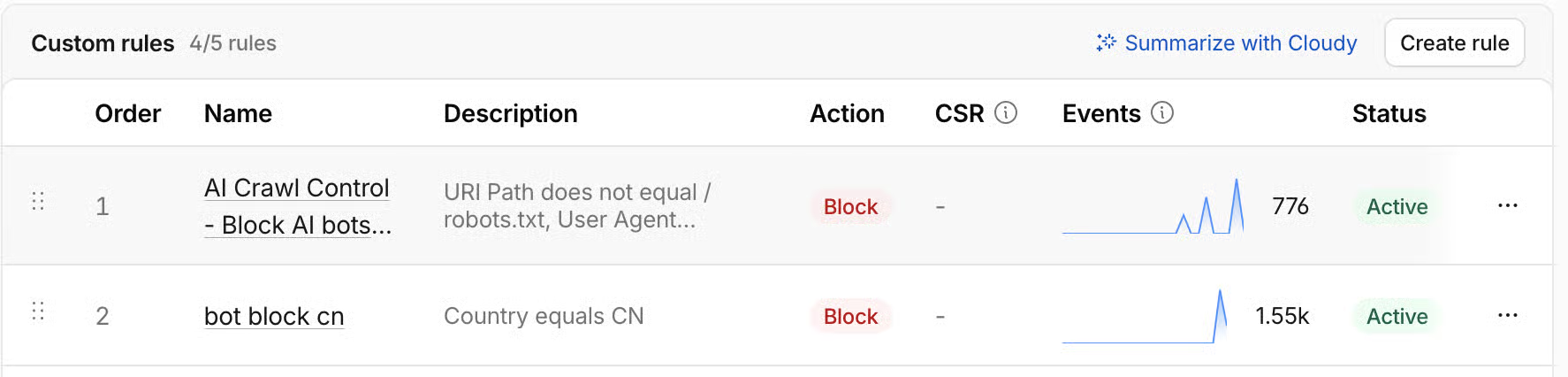
Now just wait for the scrapers to turn up. Both Dave (lemmy.nz) and I are getting well in excess of 500k requests from content scrapers per day atm and they are tyring to pull in whole comment trees and walk through all posters.

Have a look at Iocaine to help tarpit some of them if you dont want to route through something like cloudflare.

moplemmy.fyiInstances - Mop Lemmy FYILemmy

Replying to @⁨organicpu@lemmy.organic-server.org⁩

And yes - I’m running DSM (Arc Loader) in a VM with PCIe passthrough for the NAS. It’s a bit overkill, but I wanted proper storage virtualization with direct hardware access.

Whats this like, I’m running TrueNAS (the BSD version) with PCIe pass-through for my HBA and a couple of SATA ports - all in a VM on the latest proxmox